Creative Upscaling vs Faithful Upscaling
Real tests comparing Creative mode, which may add or reinterpret details, against faithful modes like Crisp and Classic that keep the original image intact.
Every AI upscaler has to decide what to do with detail the source image does not contain. Creative mode is allowed to invent it; faithful modes are not. We ran the same inputs through both approaches and compared the results.
What is the difference?
- Creative upscaling enhances artistic detail and texture. On a stylized image this looks great; on a photo, document, or product shot it can change the subject.
- Faithful upscaling (Crisp, Classic, Standard) reconstructs the pixels that are actually in the source and sharpens what is already there.
The practical rule: creative modes add value when the image is art, and they add risk when the image is supposed to be accurate.
How we tested
- Input: identical 1024 × 1024 AI artwork
- Modes: Creative (Recraft Creative Upscale), Crisp (Recraft Crisp Upscale)
- Output format: WebP for both
- Date: 2026-08-01
Test images and settings
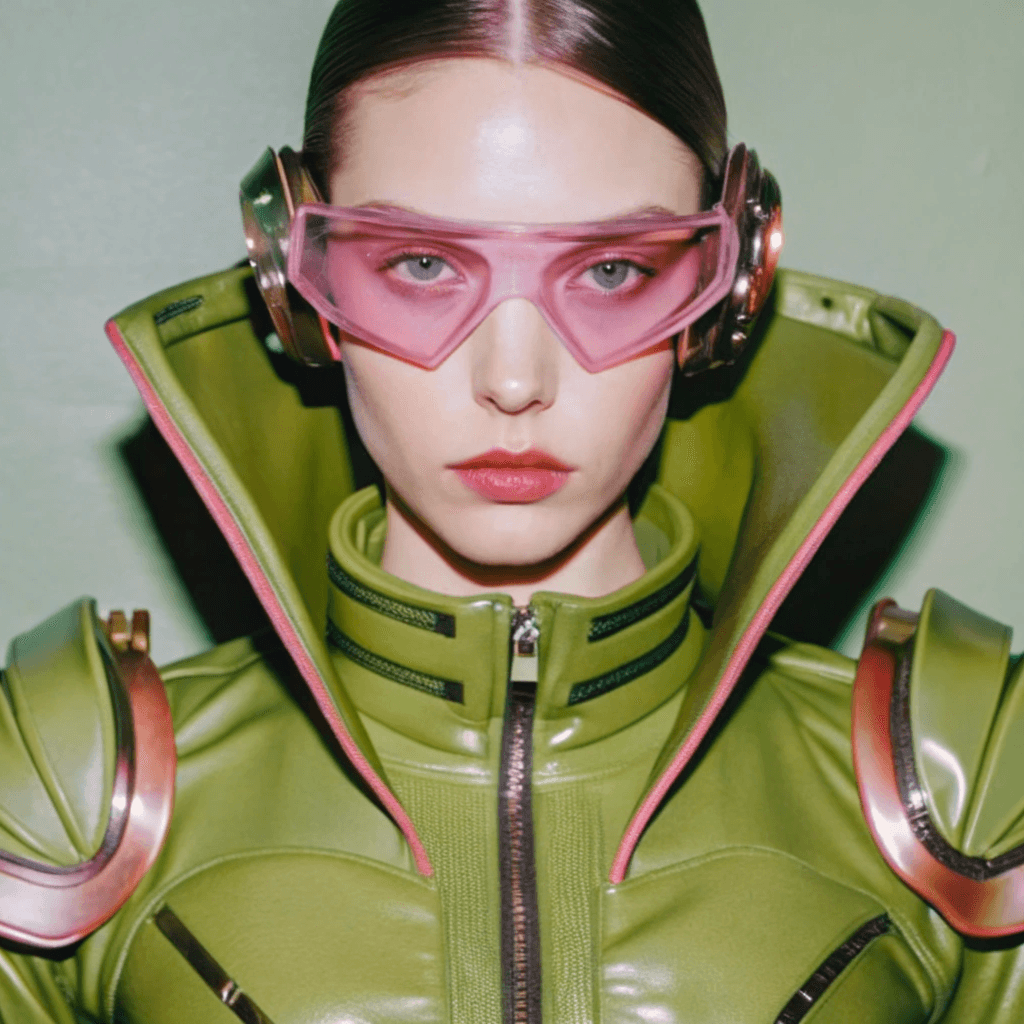
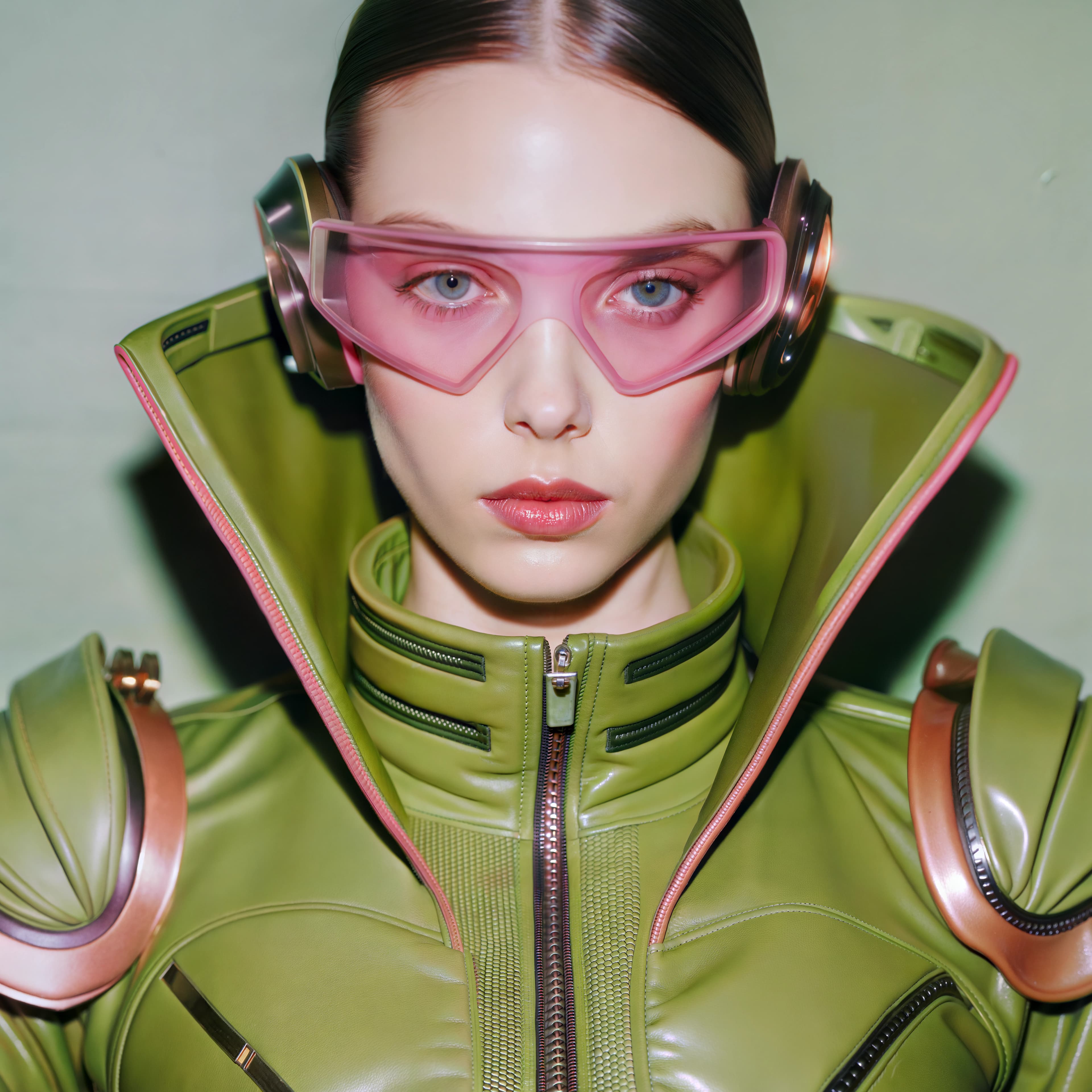
Creative mode has no user-selectable scale — it chooses its output settings automatically and delivered a 4096 × 4096 WebP from the 1024 × 1024 input.
Results
| Mode | Output | Credits | Behavior |
|---|---|---|---|
| Creative | 4096 × 4096 WebP | 30 | Adds or reinterprets detail; richer textures and visual depth |
| Crisp | 4096 × 4096 WebP | 1 | Sharpens the source faithfully; no new detail |
| Classic | PNG, per-input size | 1 | Traditional super-resolution; preserves transparency |
Creative mode is also the most expensive option on this input because its output is billed per megapixel — the same 4096 × 4096 result costs 30 credits vs 1 credit for Crisp.
When creative upscaling is the right choice
- AI art and digital illustrations that benefit from richer texture
- Game concept art and stylized scenes
- Posters or visuals where visual impact matters more than pixel accuracy
When faithful upscaling is required
- ID photos and archival photos that must not be redrawn
- Product images that must show the real item
- Documents, screenshots, and images containing exact text or logos
Limitations
Creative mode may add or reinterpret image details, so it is not suitable for archival photos, documents, or images with exact text and logos. If you are unsure whether the result stayed true, compare it side by side with the original before publishing.
Which mode should you choose?
- Art that should look richer → Creative
- Anything that must stay accurate → Crisp or Classic
- Not sure? Start with Crisp — a faithful result is never a bad baseline