Pruna vs Crystal vs Real-ESRGAN: Real Image Tests
Standard, Portrait, and Classic modes compared with real example images: input, output, scale, and credit costs from the production pipeline.
The three modes in this tool are not marketing labels — each one calls a different model with a different workflow. We ran real images through Standard, Portrait, and Classic and recorded the delivered results.
One honest caveat up front: these three tests used different input images (one per model), so this is a behavioral comparison of what each mode does with its own representative input — not a controlled same-image A/B test.
The modes
- Standard → P-Image-Upscale (Pruna), general-purpose, speed-oriented
- Portrait → Crystal Upscaler, face-focused
- Classic → Real-ESRGAN, traditional super-resolution
How we tested
Each image was run through the production pipeline for its mode. The files below are the actual delivered before/after pairs, with dimensions measured from the files and credit costs taken from the live pricing.
Test images and settings
Standard mode
- Input: 256 × 256 JPG, scale 8×
- Output: 2048 × 2048 JPG


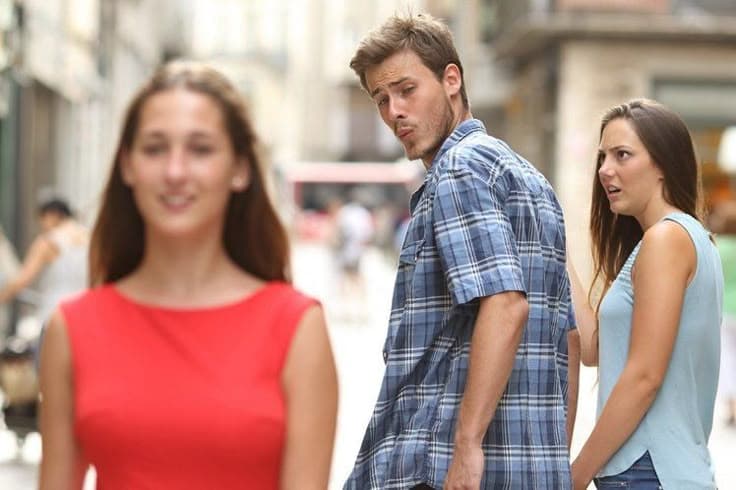
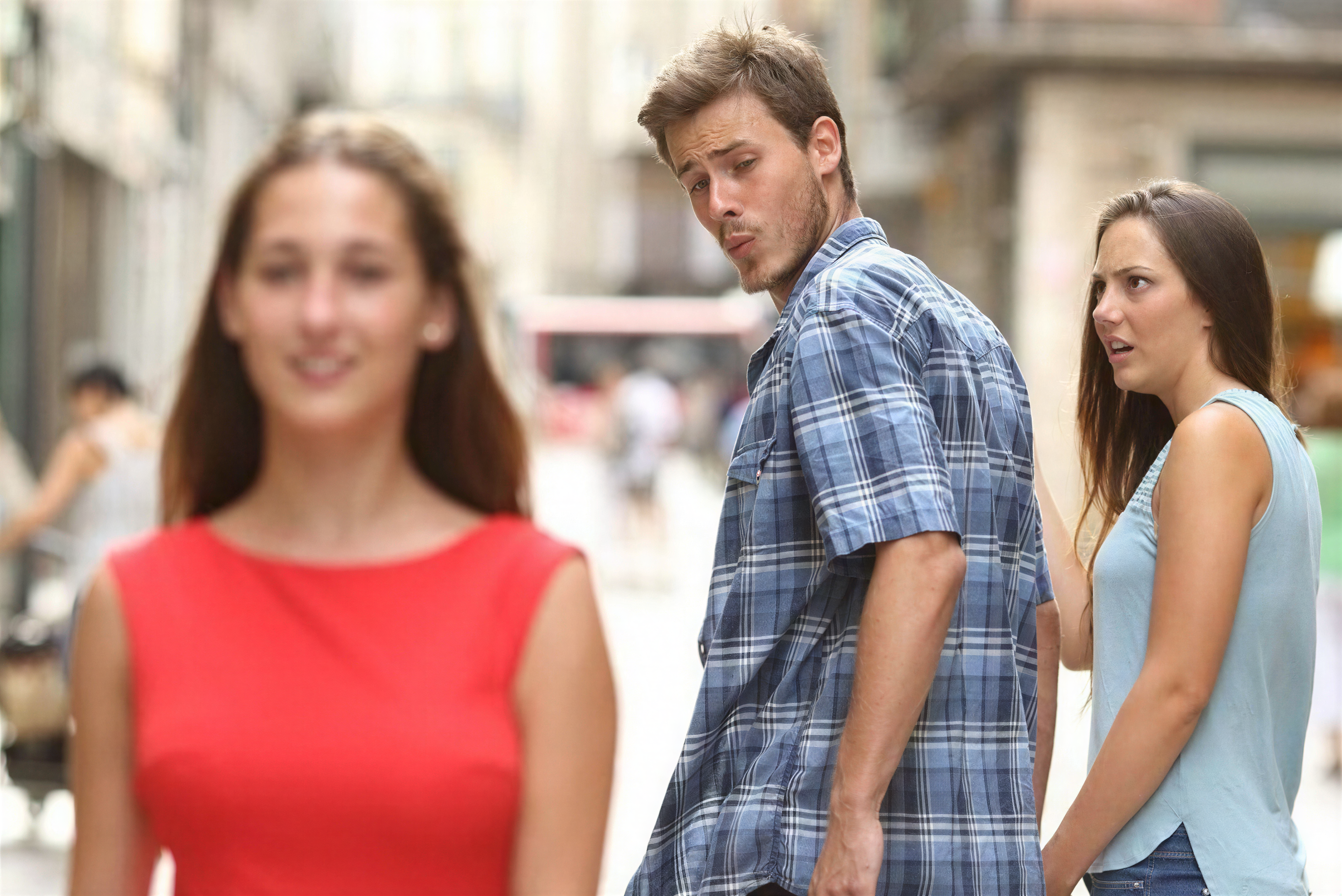
Portrait mode
- Input: 736 × 490 JPG, effective scale ≈6×
- Output: 4384 × 2928 PNG
Classic mode
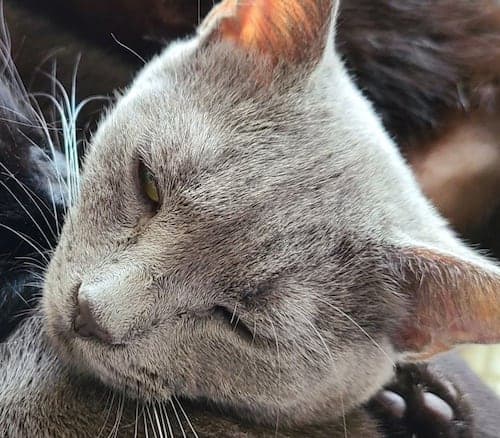
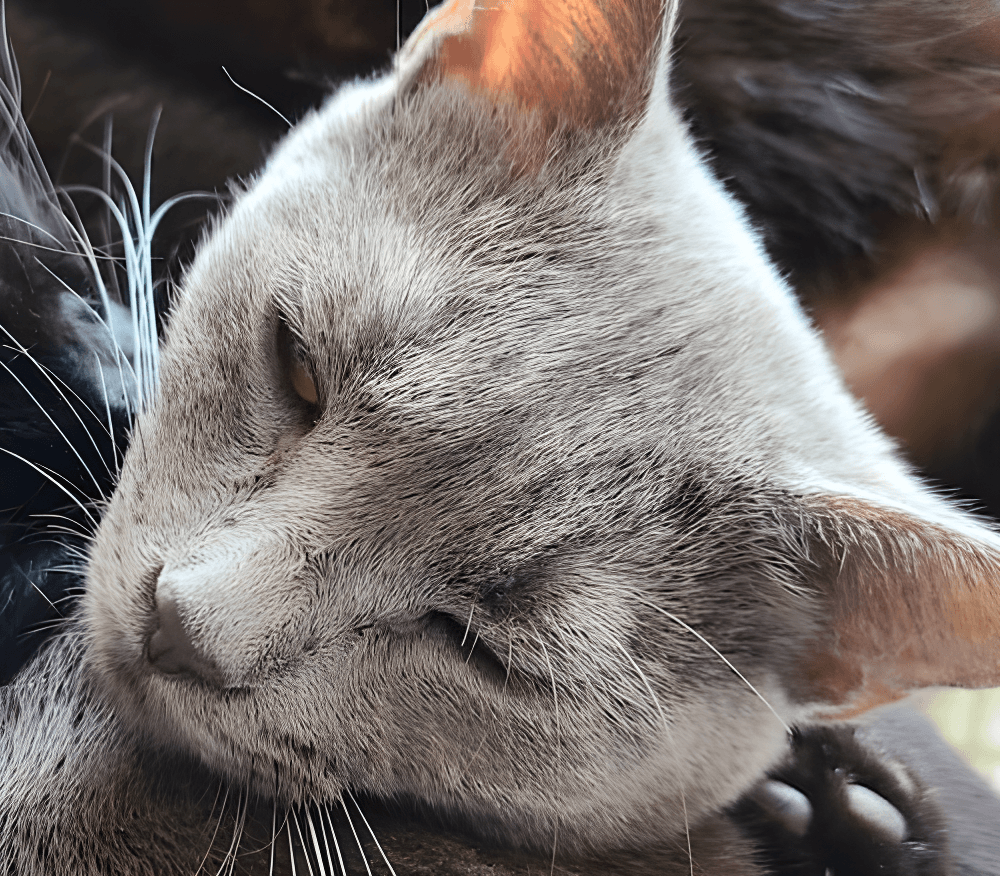
- Input: 500 × 438 JPG, scale 2×
- Output: 1000 × 876 PNG
Results
| Mode | Model | Input | Output | Scale | Credits |
|---|---|---|---|---|---|
| Standard | P-Image-Upscale | 256 × 256 JPG | 2048 × 2048 JPG | 8× | 1 |
| Portrait | Crystal | 736 × 490 JPG | 4384 × 2928 PNG | ≈6× | 20 |
| Classic | Real-ESRGAN | 500 × 438 JPG | 1000 × 876 PNG | 2× | 1 |
What the numbers mean
- Standard is the low-cost generalist. At 1 credit it produced an 8× result, which makes it the default for everyday images and large batches.
- Portrait is the premium face workflow. The face-aware pass is priced per output resolution and costs far more (20 credits here) — worth it for photos of people, not for images without faces.
- Classic is the traditional option. At 1 credit per output it keeps the Real-ESRGAN look that many users know, with no output-megapixel surcharge on this example.
Limitations
- These tests used different inputs, so timings are not directly comparable across modes — the point is what each mode costs and produces, not which is faster.
- All three modes interpret rather than copy fine detail. Text, logos, and very small features can be changed at high scales.
- Output formats differ per mode (JPG for Standard, PNG for Classic and Portrait), so compare visual quality at 100% zoom, not by file size.
Which mode should you choose?
- People → Portrait mode
- Older photos and traditional workflows → Classic mode
- AI artwork, everyday graphics, and large batches → Standard mode
- Mixed image types and low-resolution sources → Smart mode
- Product and UI images that need sharpness → Crisp mode
- Stylized artwork that can tolerate added detail → Creative mode
- 4K/8K and poster output → High Scale mode
Try the Bulk Image Upscaler
Upload your images and pick the mode that matches your image type. The tool shows the estimated output size and required credits before you process.