How to Upscale Images for 4K and 8K Output
Real test results for High Scale mode up to the 64 MP output limit, with credits and the scales available at 4K and 8K target sizes.
4K and 8K output is a math problem: your input resolution times the scale factor must reach the target size without exceeding the 64 MP output limit. We ran real inputs through High Scale mode and recorded the results.
What determines whether you can hit 4K or 8K?
The tool filters the available scale factors per image. High Scale mode offers 2×, 4×, 8×, and 16×, but a factor is only selectable when the estimated output stays under the mode's 64 MP per-image limit:
- 4K (3840 × 2160 ≈ 8.3 MP) needs a source of roughly 1920 × 1080 at 2×, or 960 × 540 at 4×.
- 8K (7680 × 4320 ≈ 33 MP) needs a source of roughly 3840 × 2160 at 2×, or 1920 × 1080 at 4×.
If the input is too small for a factor, the selector hides it instead of producing an oversized file.
How we tested
- Input: 1280 × 768 JPG
- Mode: High Scale (Clarity Pro Upscaler)
- Scale: 2× (output 2560 × 1536 PNG)
- Date: 2026-08-01
Test images and settings
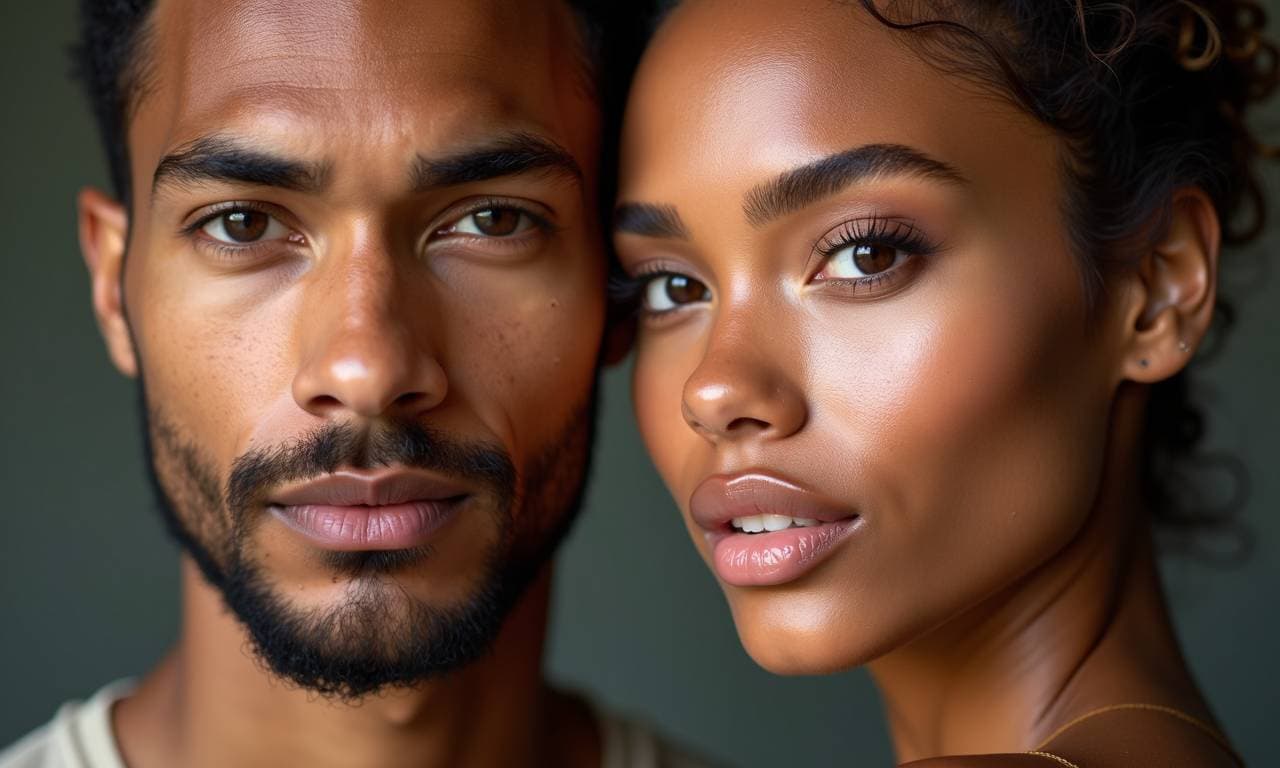
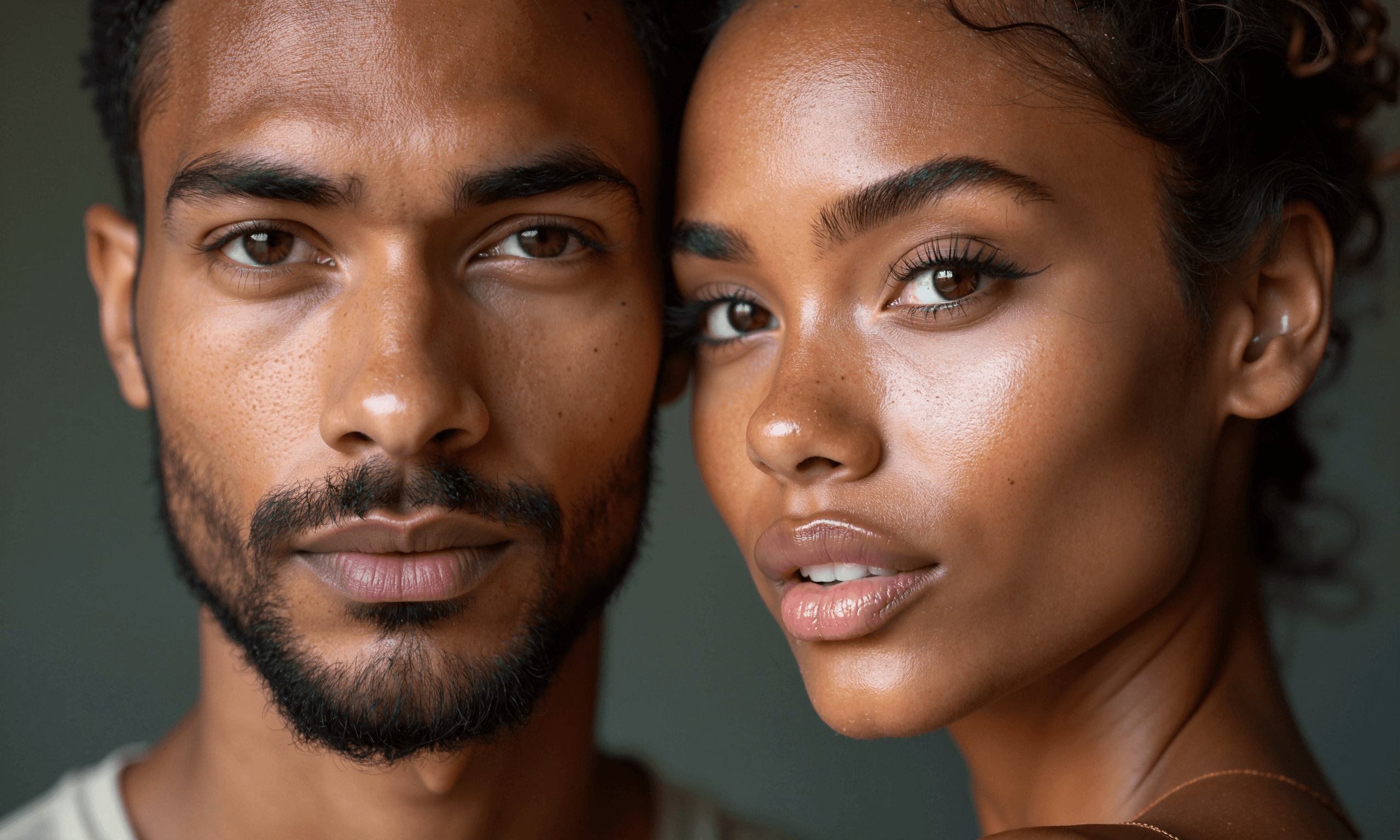
Credits for High Scale mode are charged per output megapixel — the 3.9 MP result above cost 12 credits.
Results
| Mode | Input | Scale | Output | Credits |
|---|---|---|---|---|
| High Scale | 1280 × 768 JPG | 2× | 2560 × 1536 PNG | 12 |
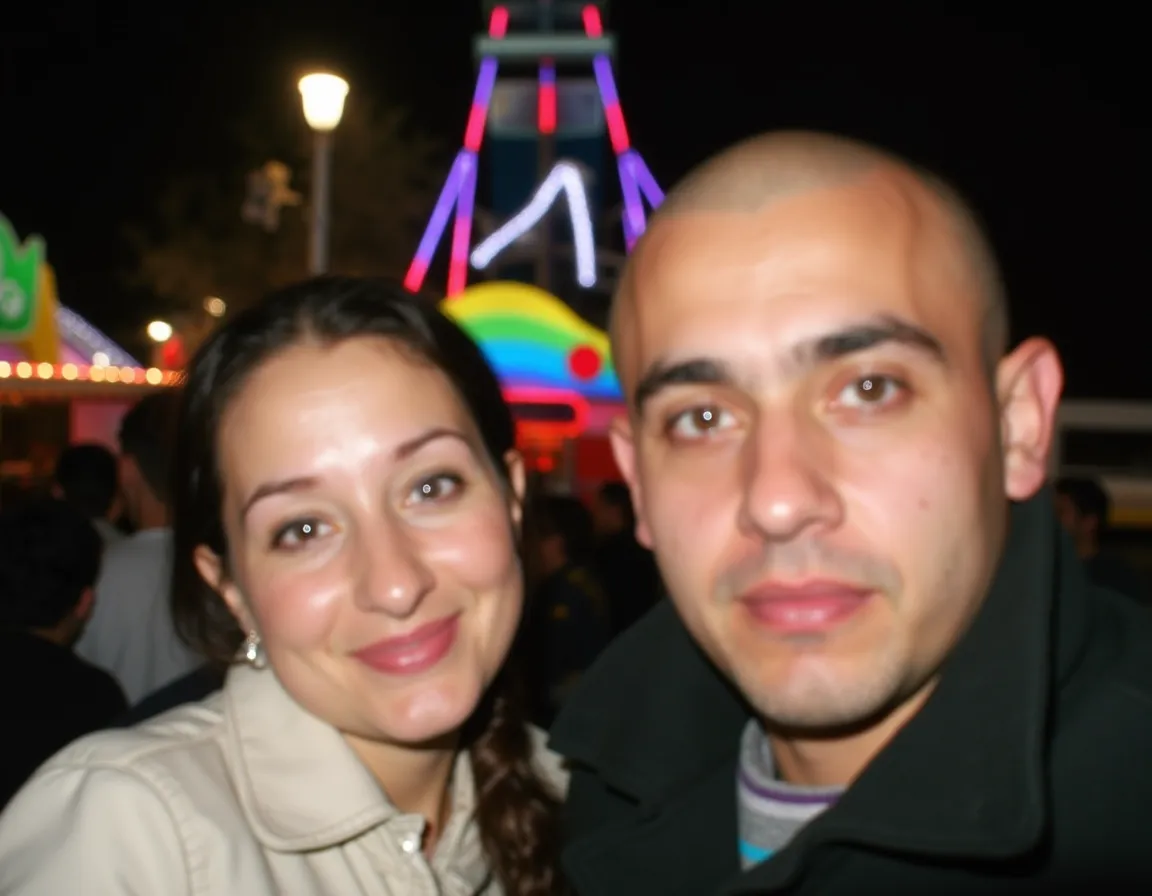
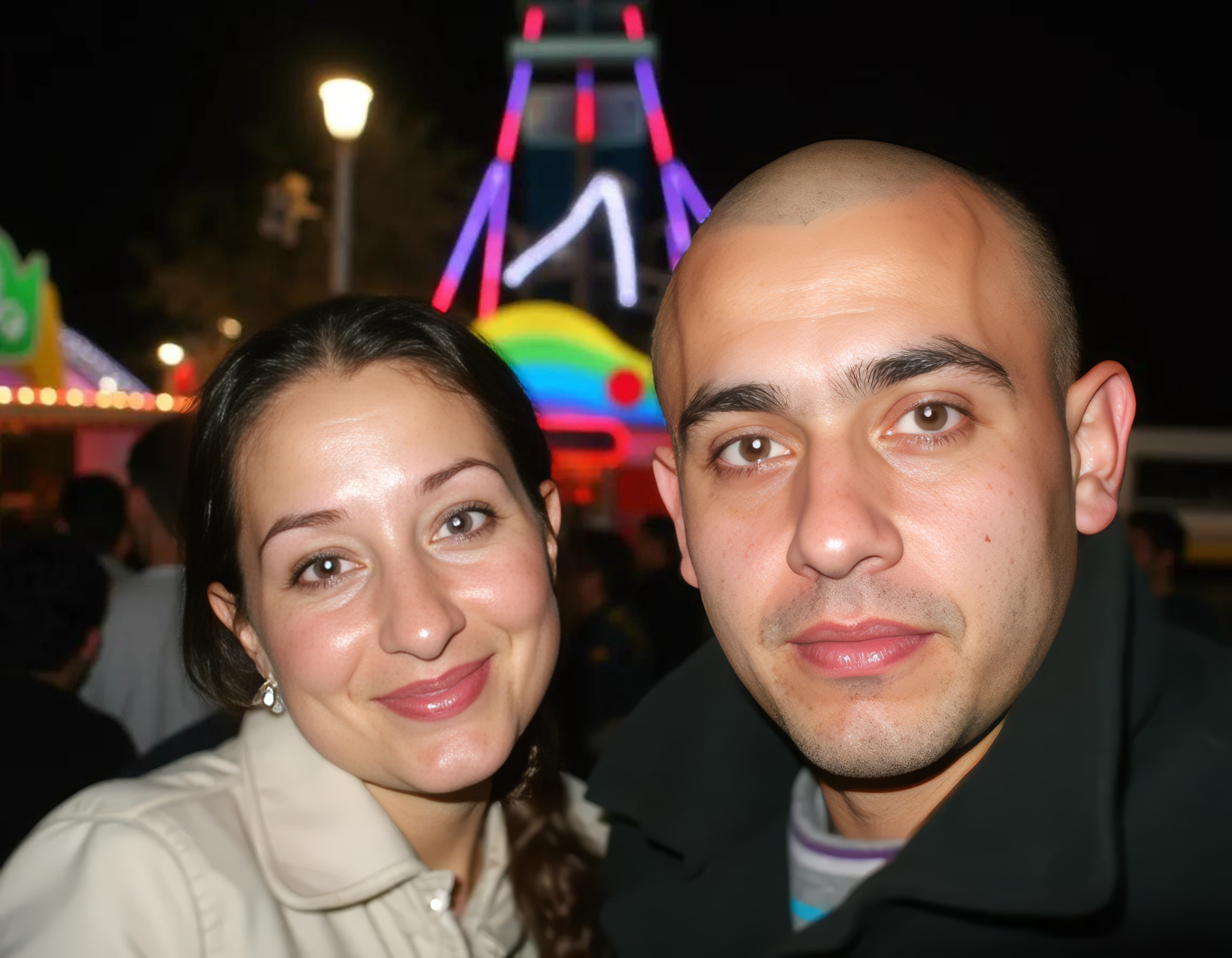
| Smart | 1152 × 896 WebP | 4× | 4608 × 3584 JPG | 5 |
Smart mode is the alternative for large output when the image is a mixed photo: it supports 2×, 4×, and 6× with a 512 MP output ceiling, so it can reach 4K-class sizes from modest sources.
Limitations
- Upscaling cannot add information that was never captured. A small source upscaled to 4K or 8K looks larger but not sharper than the source allowed.
- Per-megapixel billing means 8K outputs cost more credits than 4K outputs from the same source.
- The available scale depends on the input dimensions, so the factor shown in the selector is the ceiling for that specific image.
Which mode should you choose?
- Professional high-resolution output and large prints → High Scale
- Large output from mixed everyday photos → Smart
- Any source that is already close to the target size → a small factor like 2× is enough and costs the least